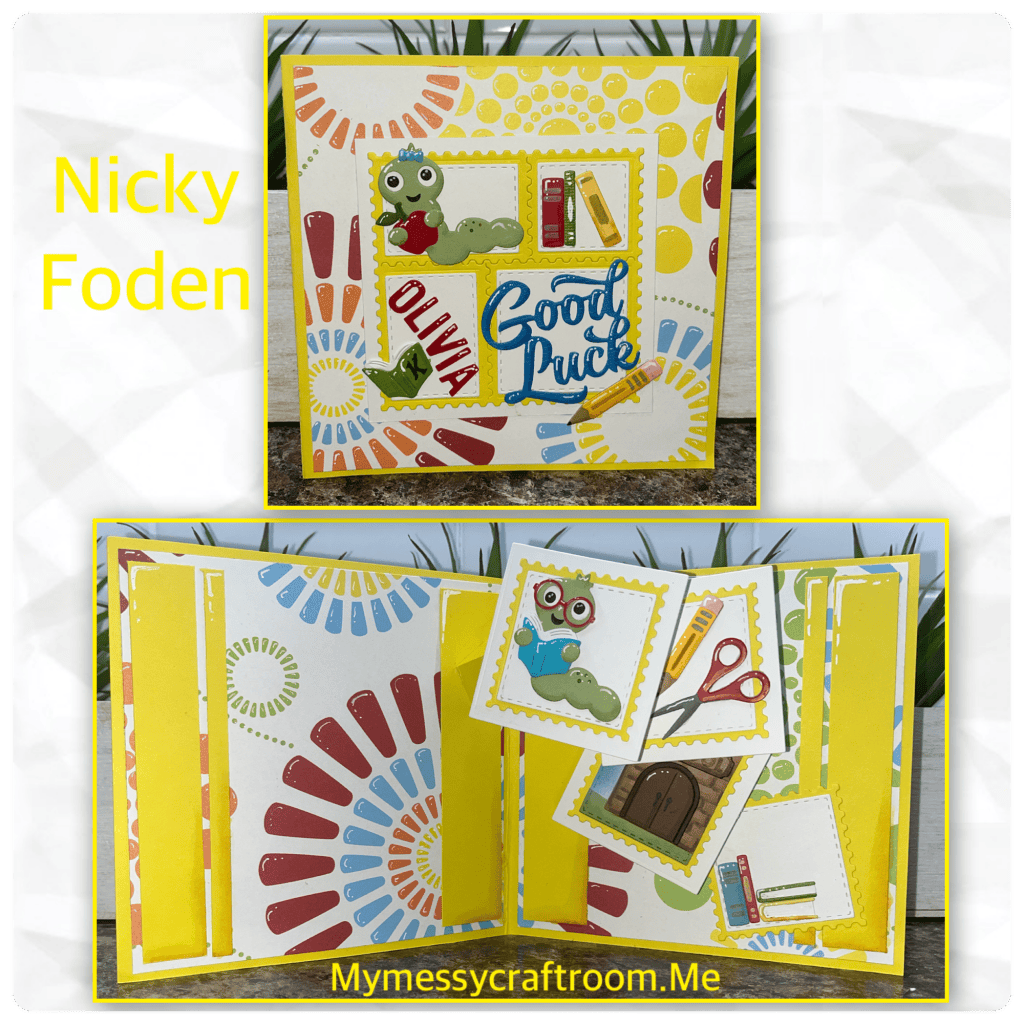
Welcome crafty friends to my Karen Burnistons September Design team challenge card. I almost 😓 didn’t pull this one off. I have had the most hectic summer that I’ve had in a long time, and somehow I got my wires crossed in my head and put hours into a card that my daughter asked for that I thought “Hey this will work for the design team challenge.” 🤦🏻♀️ except it would have worked for last months challenge. This months challenge is “Cascade” and we needed to make a card using the new “Cascade Pop Up” dieset and that is thing that I didn’t do 🤦🏻♀️ and didn’t realized my mistake until Sunday afternoon when I was working on the blog post. So I took a different card that I had started, made a few changes and this is what I came up with.
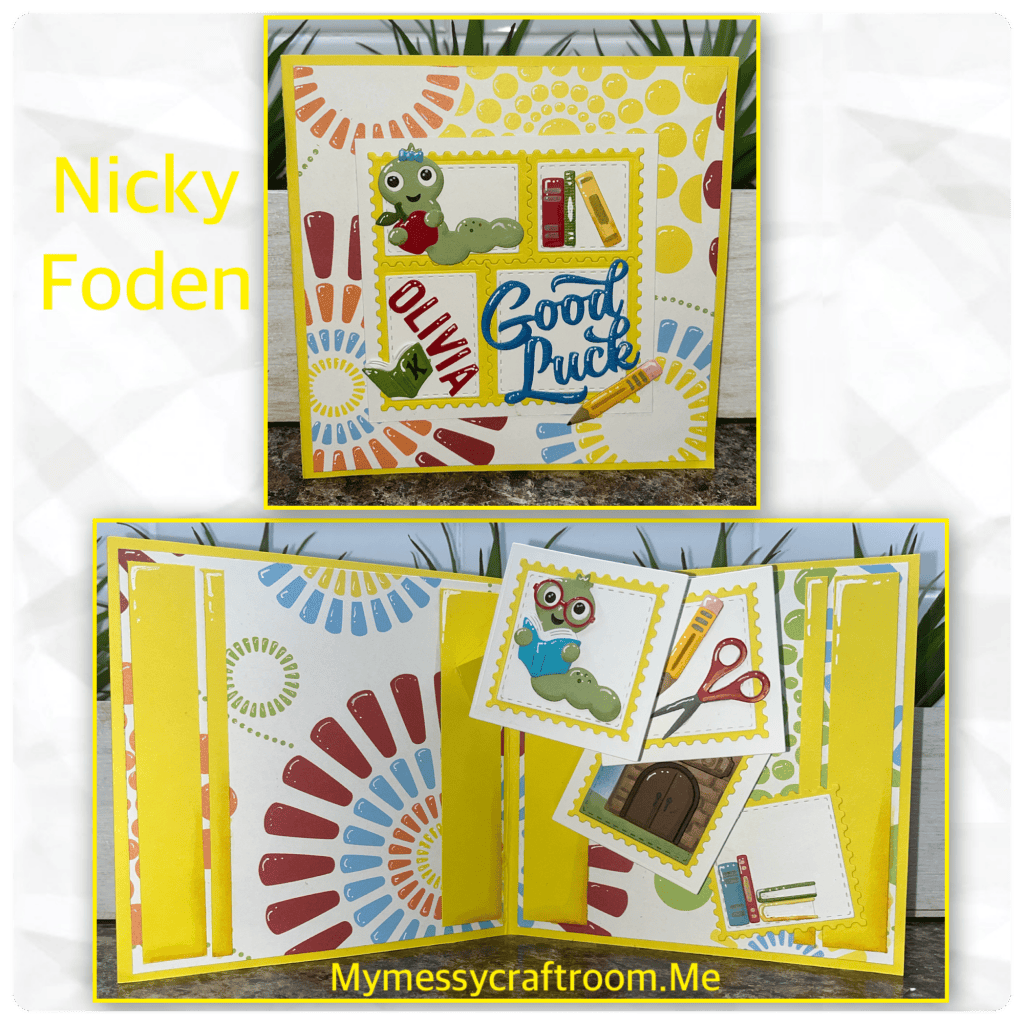
All the fun is in the reveal, to see this card in action please check out my FACEBOOK page, feel free to join if you would share your own creations. A video of this card on my INSTAGRAM page.
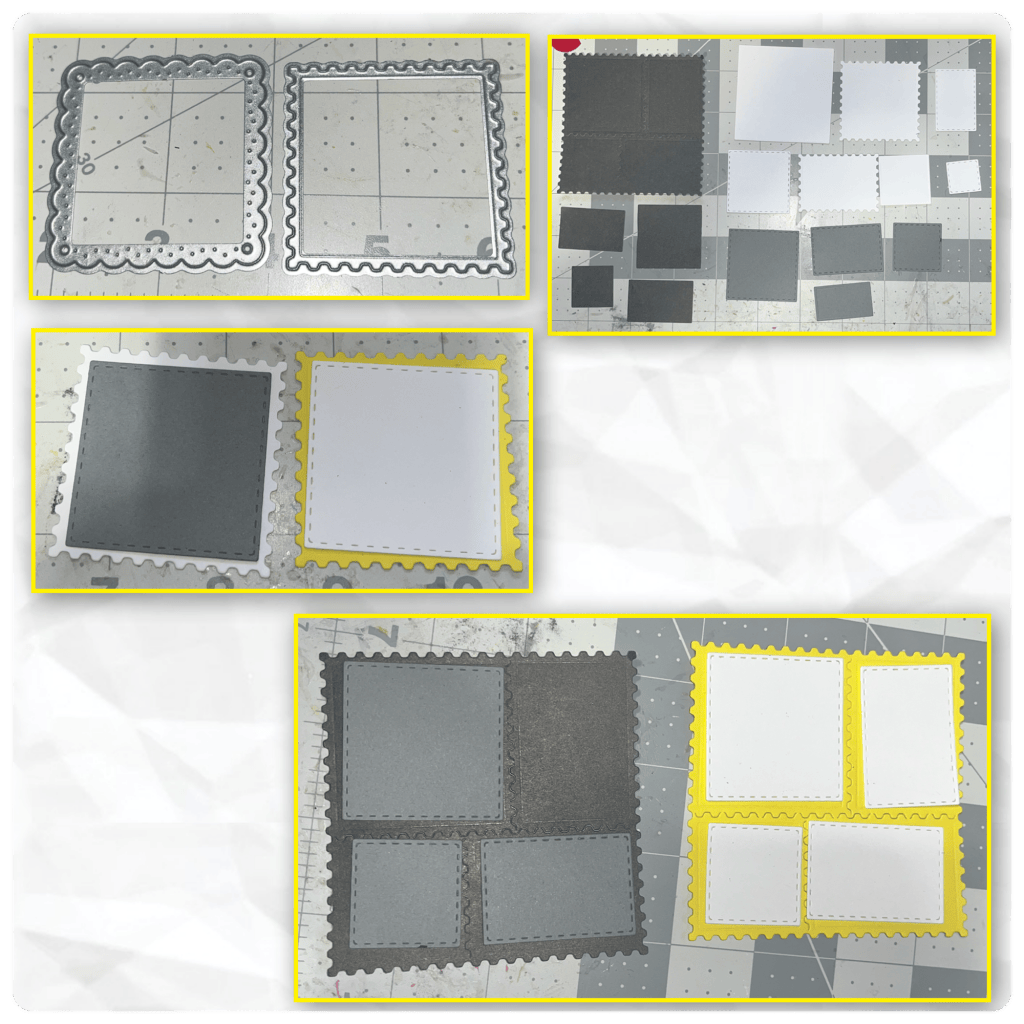
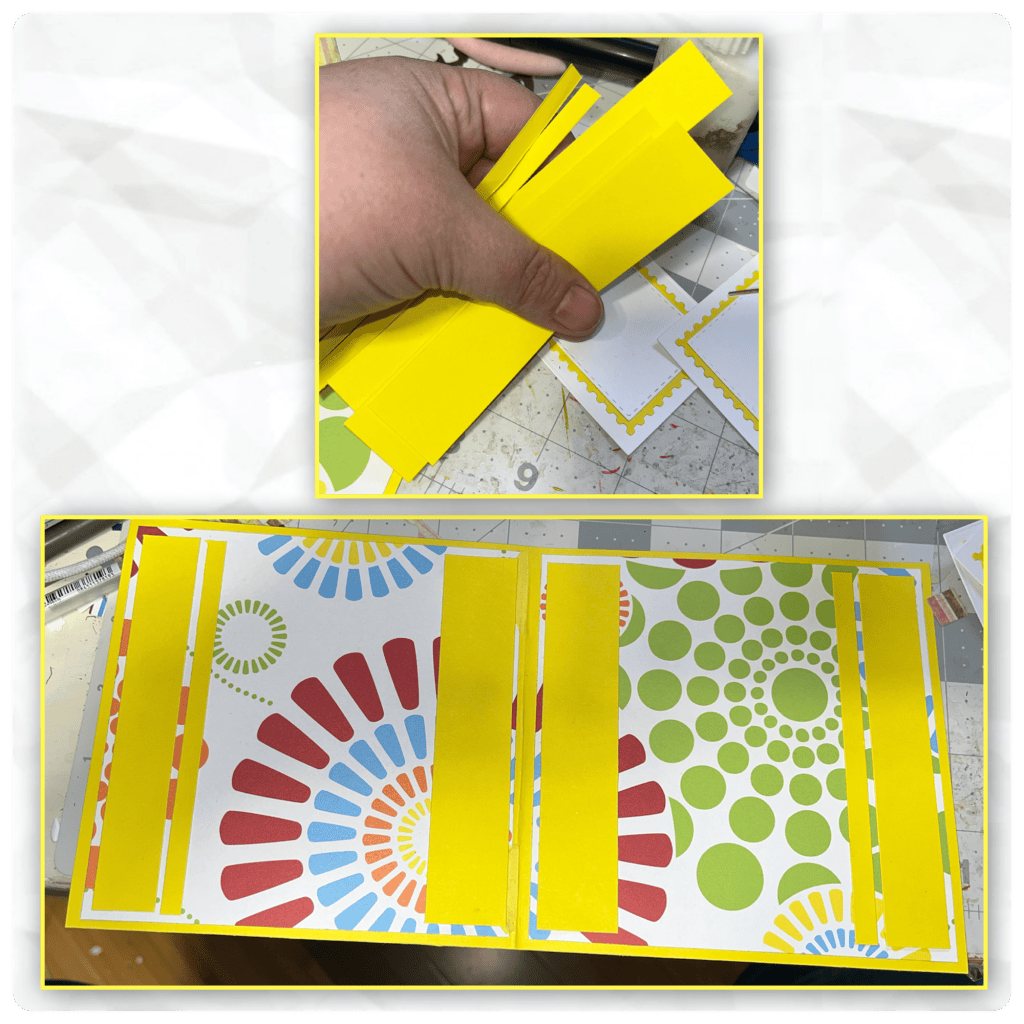
About 2 weeks ago I started this card, and put it aside. I cut the card base and the panels as shown below. For the inside I made sure that the image lined up across both sides.
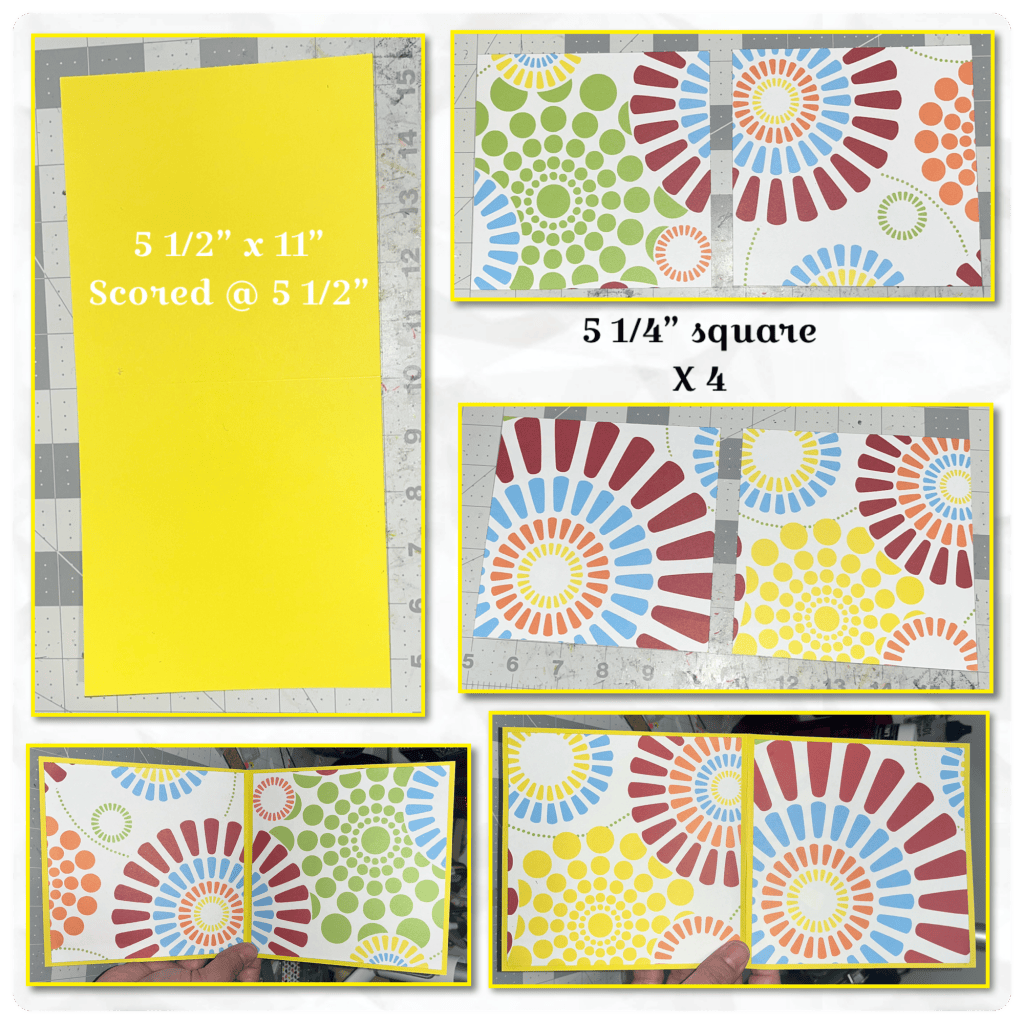
So I was going to use the Upsy Daisie pop up dieset, and I am going to use the Postage Pop UP, I wanted to use the Stamp square as opposed to the Scalloped square so I went digging through my dies. To make it make seance I die cut the Postage Pop up from Black, the Square Cascade Add on is cut from white, and a few pieces from the Greeting Labels are cut from the grey, and I am using these as references below. I made 4 layered squares for the inside and the postage piece for the front.
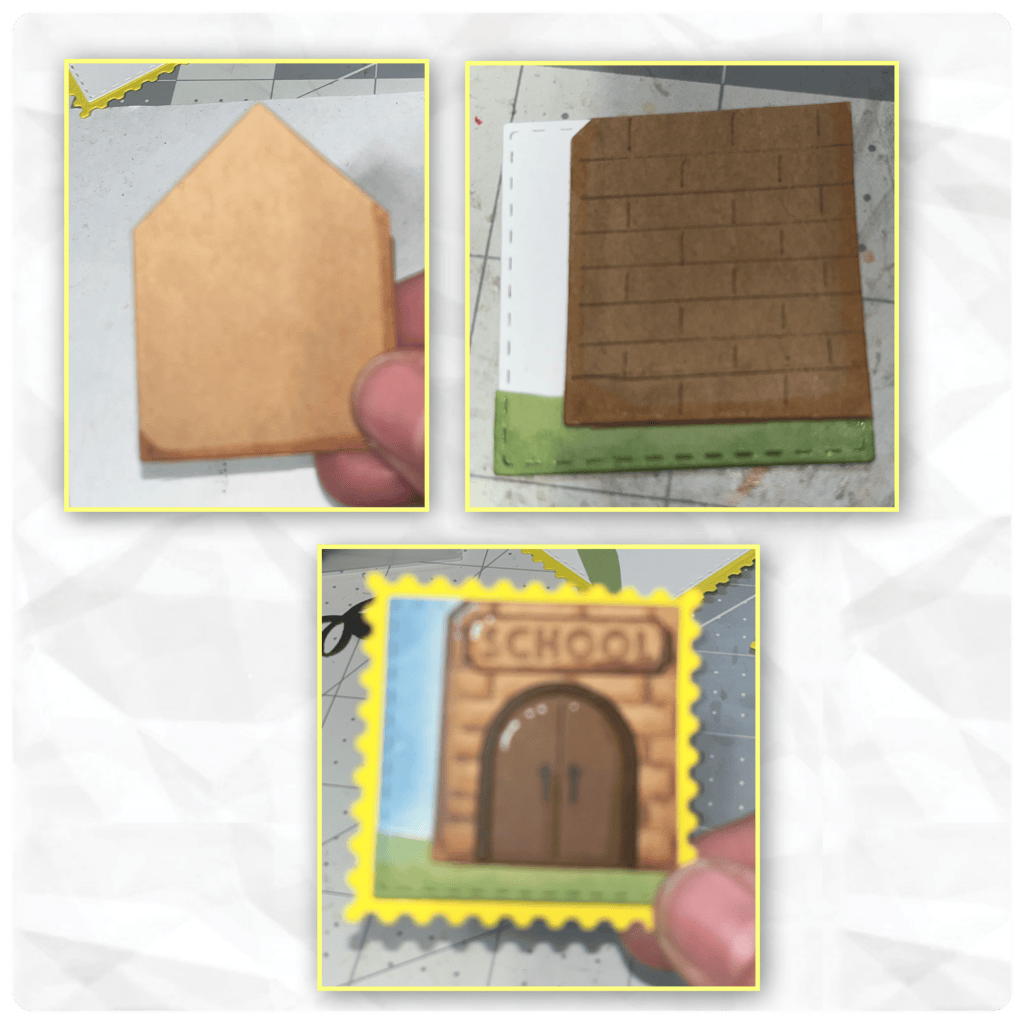
At this point I am still thinking that I am using these Upsy Daisie Pop up. I could have just used a square but I used the house form the Tiny House and hand drew bricks and added shading with an alcohol marker. I added the door and the sign using dies from the Church and School- Tiny House Add on, and used a brush to ink on the sky. And added it to the yellow stamp.
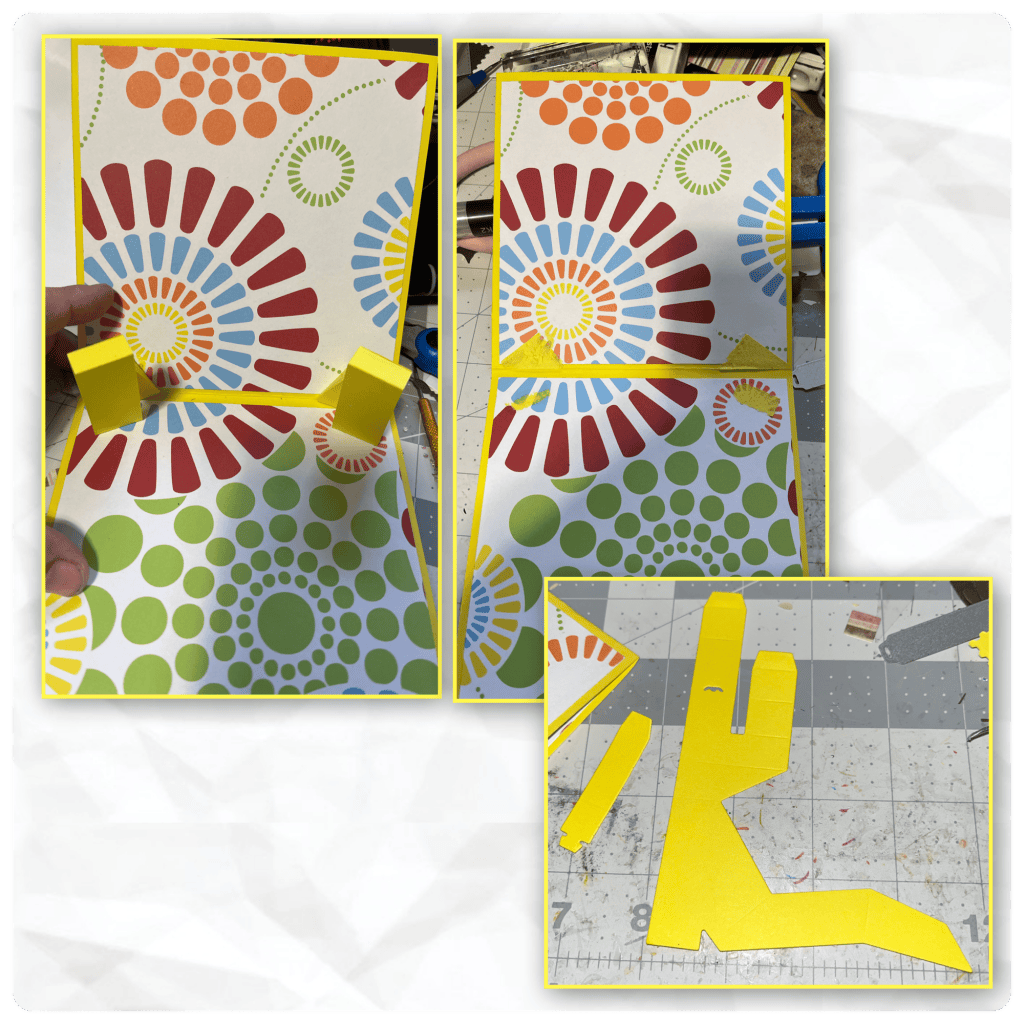
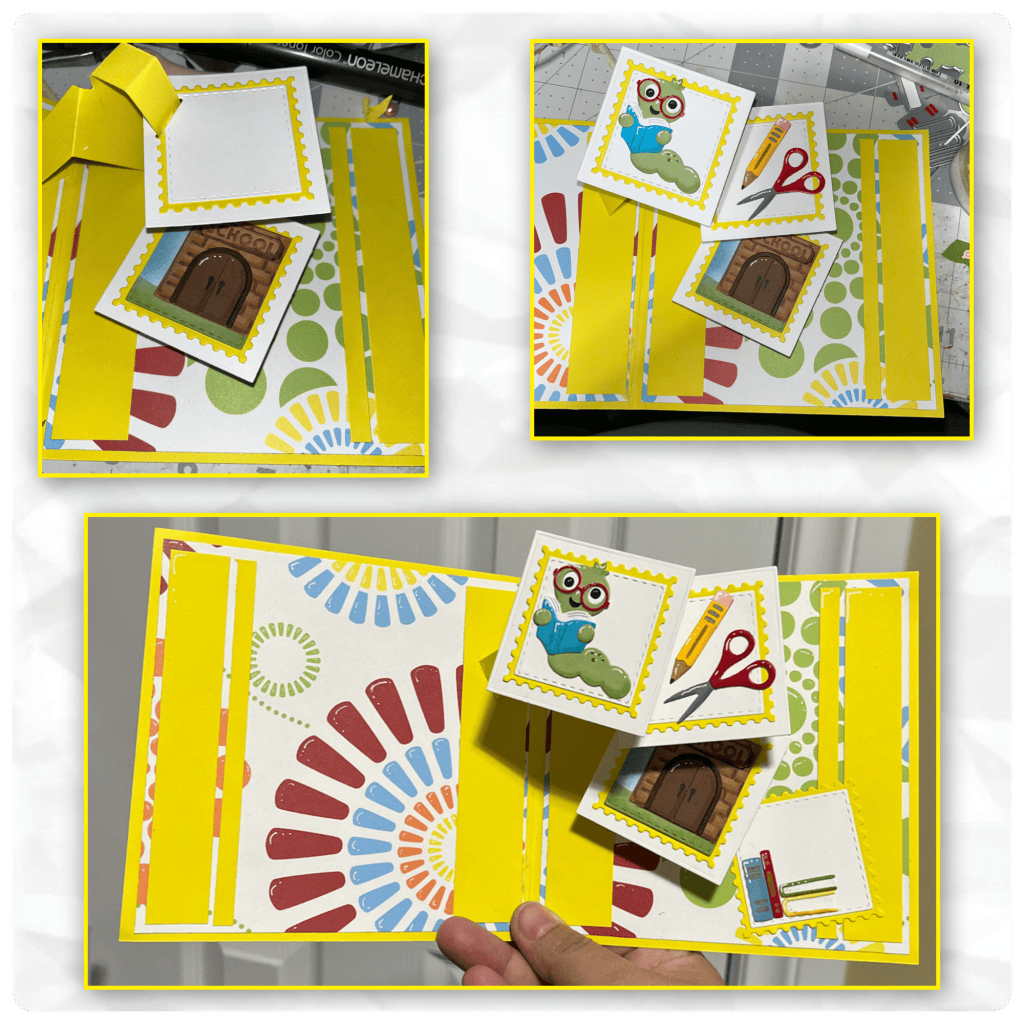
So I did add the Upsie Daisy arms to the inside, and this is when I put the card down to work on my other card. I came back to it when I realized I needed to add a Cascade Pop up to a card, and I didn’t really have the time to start from scratch. I pulled out the arms and diecut the mechanism for the Cascade pop up and started to assemble (Karen has a video tutorial on the product page at the link ⬆️ )
I layered the previously made squares onto the larges square from the Square Cascade Add on, and used the square die with the slot to cut the slot in. (The photos below are reversed)
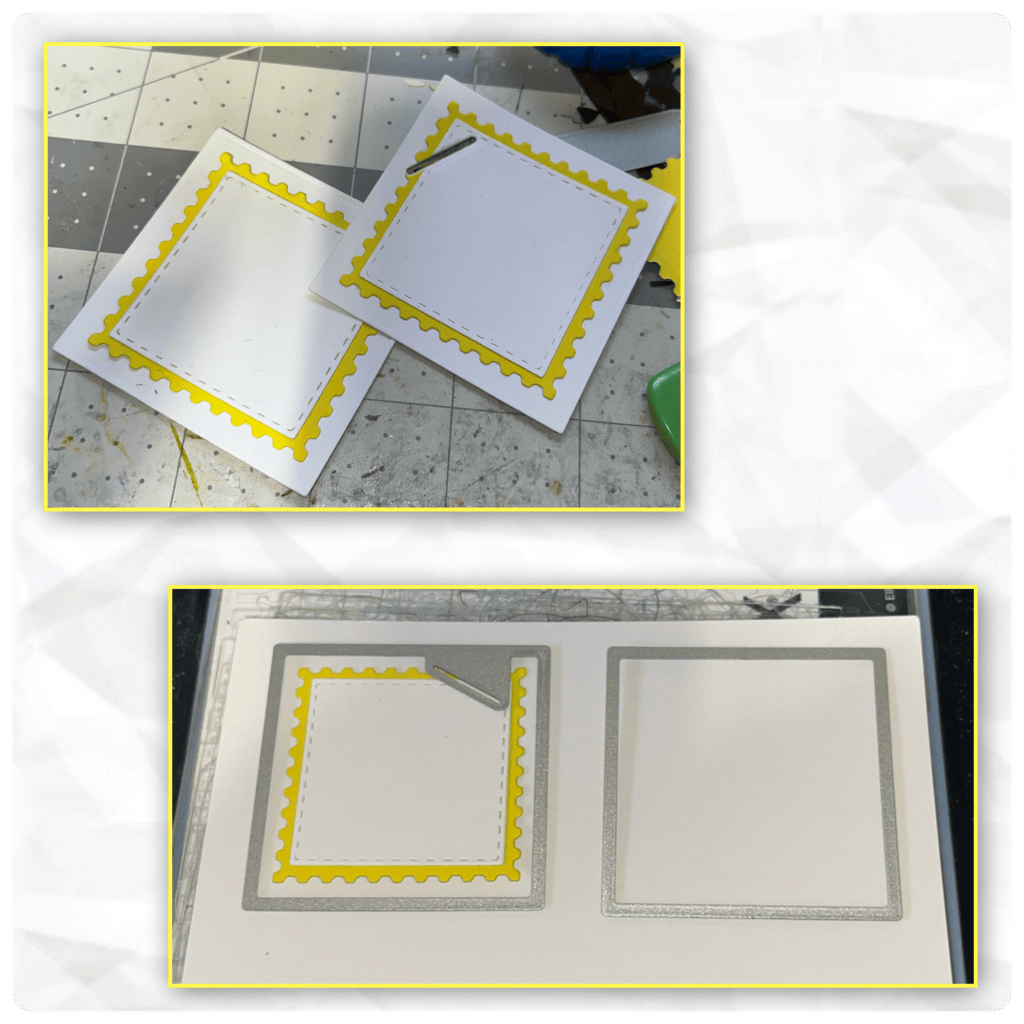
OK, I needed to hide where I ripped out the arms so I cut a few stripes of paper to make borders, I decides it would look weird to only add the borders on the inside, so I made them as shown for the insides and the outsides, mirroring them on both sides. I thought this way it would look like a design choice not just a way to hide my mistake.
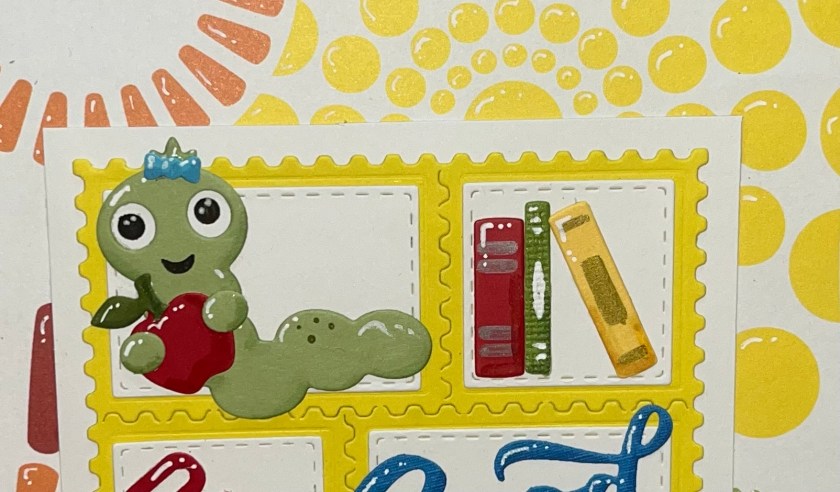
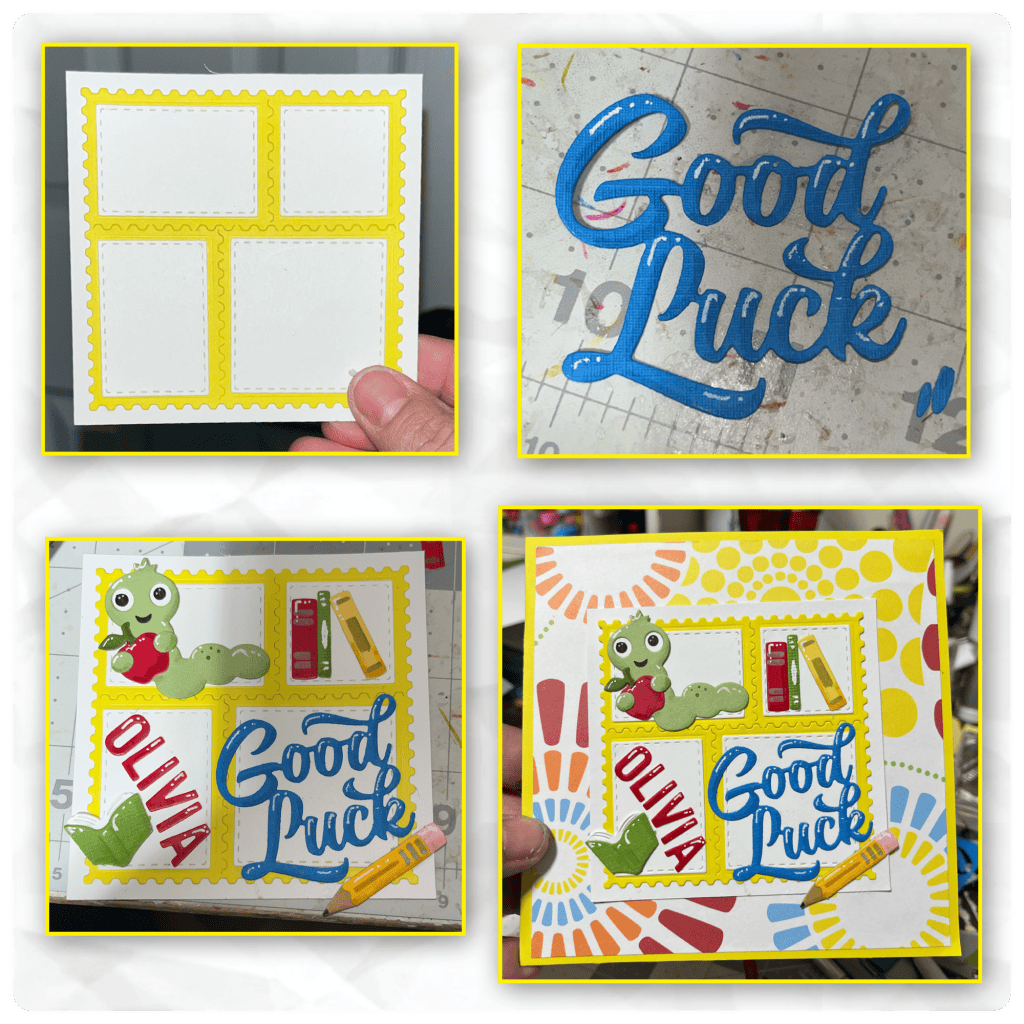
I cut and assembled pieces from the Book Worm and the Office Charms, I added shading with alcohol markers and highlights with a white Jelly roll pen and assembled. I added the fourth square to the bottom as place to sign. I should have put a larger white square under the yellow.
Time for the front, I just used my cutter to cut a white square to put behind the postage stamp piece. I cut Good Luck and added it with some of the same embellishments as the inside. I used the Mini Alphabet and Numbers to die cut “Olivia” then added the panel to the front.
I’m slightly addicted to adding highlights so if you look close you will see that I added white highlights to the images on the pattern paper. I also added shading and highlights to the yellow borders on the inside.
Other Tools used


Nicki,
This card turned out so cute. You could really use it for any theme. I think I would use this cascade die to make a water themed card for my sister-in-law that loves the beach.
LikeLiked by 1 person